
Appearance
String Translations
Overview
The String Translations section allows you to customize all text strings used throughout your theme.
Access: Theme Settings → Strings
How It Works
The String Translations panel provides a simple interface where you can override any text string displayed by the theme. All changes are made directly from the WordPress admin panel - no code editing required.
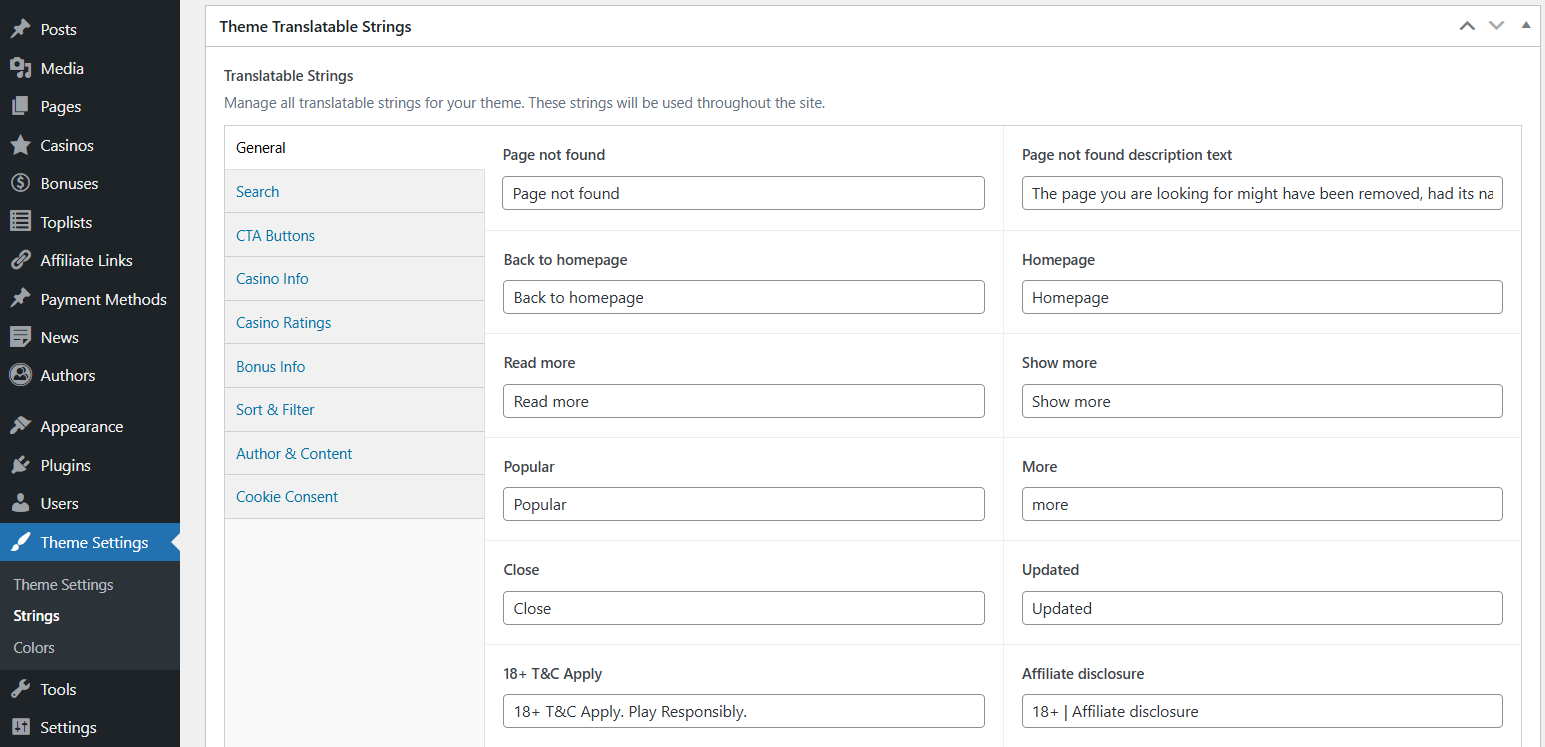
Steps to Translate Strings:
- Navigate to Theme Settings in your WordPress admin
- Click on the String Translations tab
- Find the text field for the string you want to change
- Enter your custom text or translation
- Click Save Changes at the bottom
- Visit your site to see the changes applied